There may be scenarios as an ACSP that an identity check is required for an individual who is not existing director/PSC and is not due to be appointed as one by you.
Identity checks can be sent via Inform Direct by Authorised Corporate Service Providers (ACSPs), for the process of how to send them within Inform Direct please see How to send an identity check request.
However, if the individual is not currently, and not planning to ever be appointed within your Inform Direct account, see below:
Firstly, it is worth considering whether it could be done via Inform Direct:
If this person is an existing director/PSC, importing their company to Inform Direct would be the best course of action as the check will use their existing details.
If they are being appointed, or you are incorporating a company for them, you can send the check request during these processes on Inform Direct.
Should you encounter a scenario that it is a check alone that is required, you can create an account with BrightChecks, the software which we are utilising to send the checks.
- We have a guide to help with the steps or generating the link via Inform Direct, please see How to link your BrightChecks account to Inform Direct.
- You can also access BrightChecks directly via the website: https://brightsg.com/brightchecks-client-identify-verifcation-software/ and link the account after setup.
1. The BrightChecks sign up process is simple and allows you to use and existing (if already a user of Bright software), or create a BrightID.
Please log in via: https://hub.brightsg.com/
Or sign up via: BrightHub (select account type as Practice)
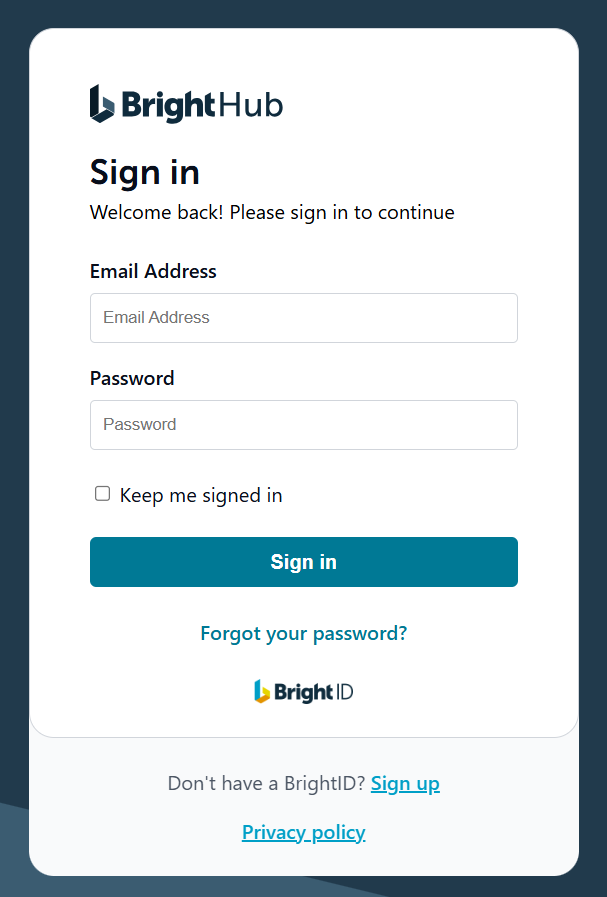
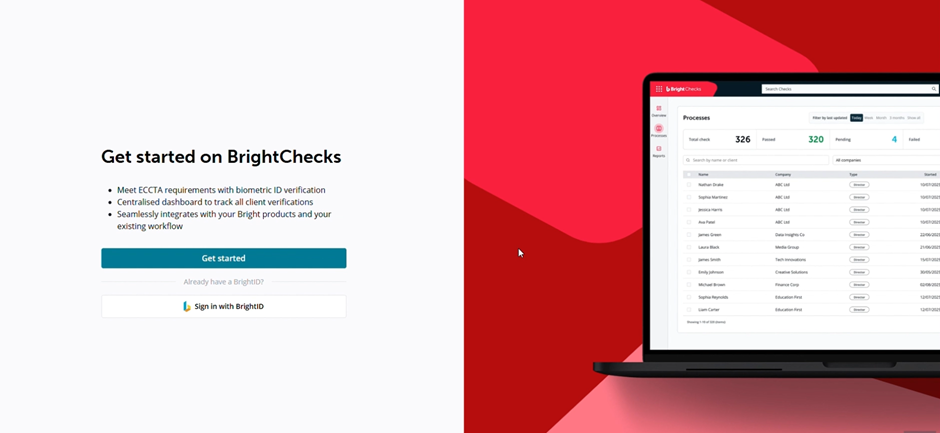
2. Once logged in, or your BrightID is generated, you will be able to select the BrightChecks product.
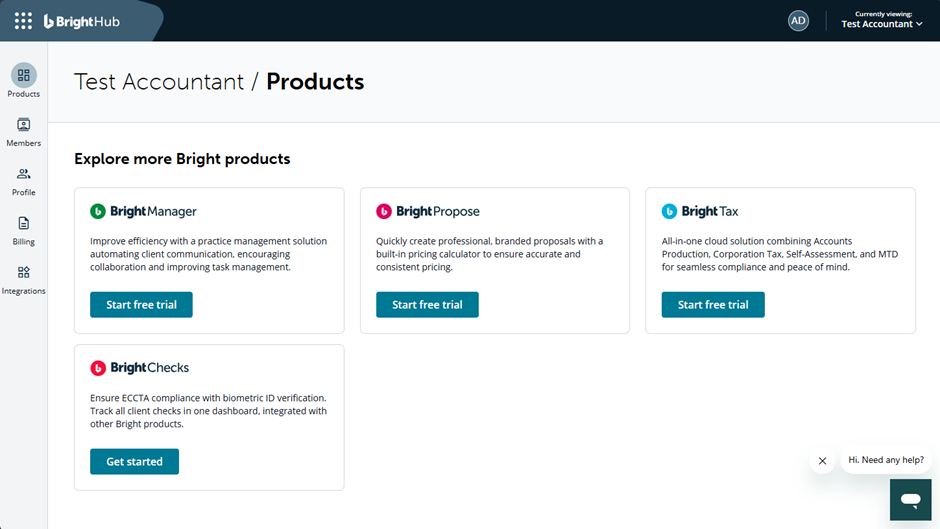
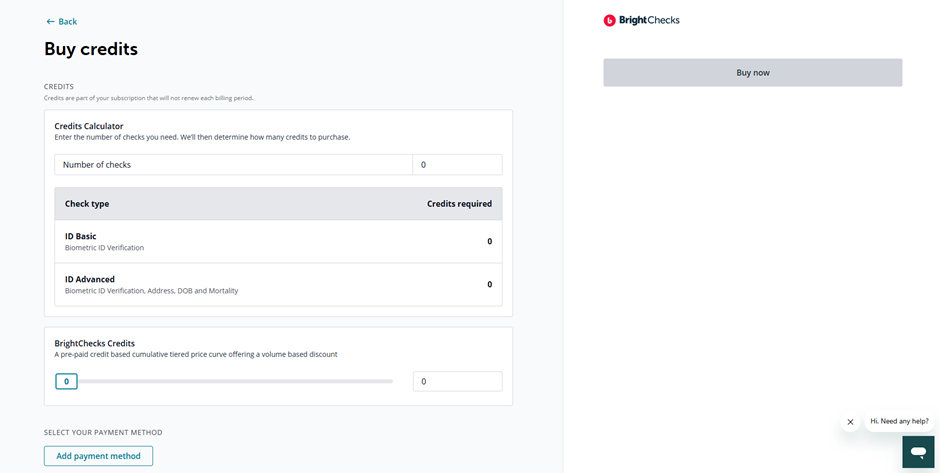
3. Credits can be purchased in bulk via BrightChecks.
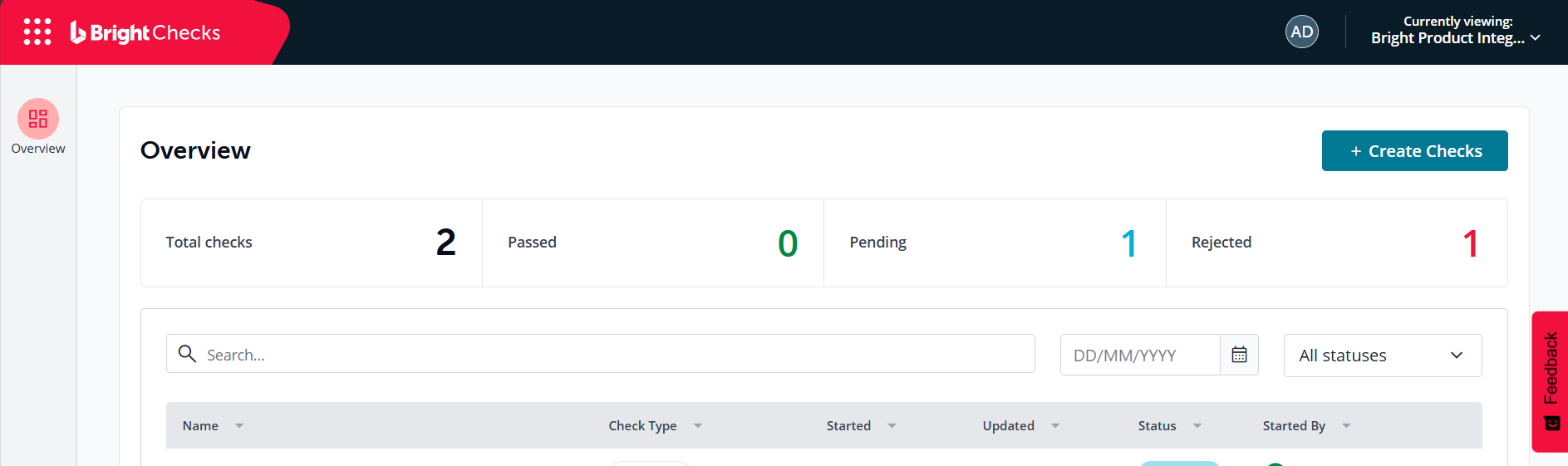
4. Upon completion of the setup, you can select Create Checks on the right hand side of the page to send an identity check. This will allow you to confirm the details and email address of the individual.